




Build a Business Network You Control with MikroTik and AI

Table of contents

Your knowledge, your network
Business owners understand their customers and their operations better than anyone. Wireless Netware helps you apply that understanding to your network — building something you genuinely understand and control — with MikroTik hardware, AI tools, practical education and ongoing support. You define the outcome; we help you learn, build and adapt.
A cafe example: Billie and Renee
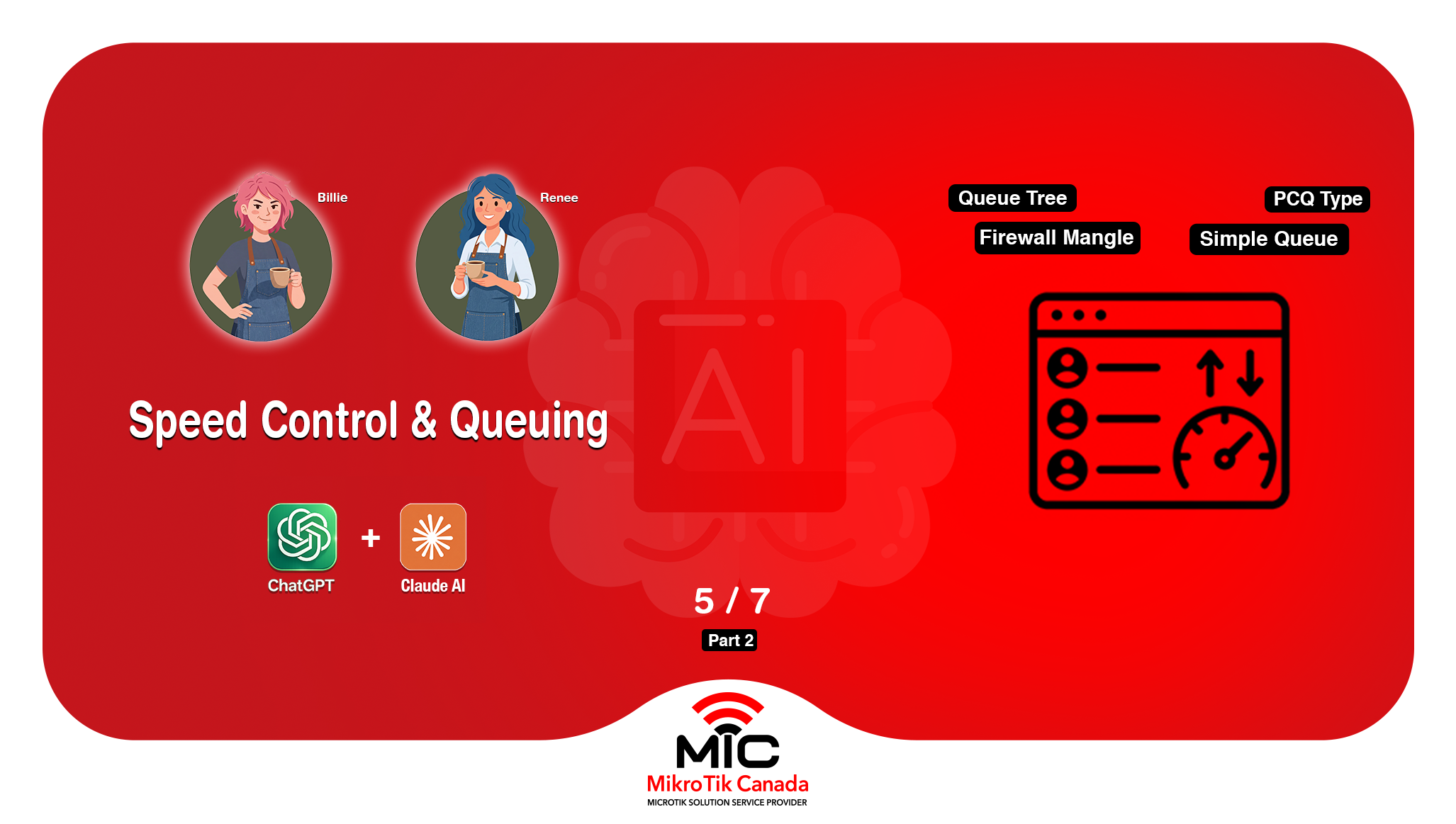
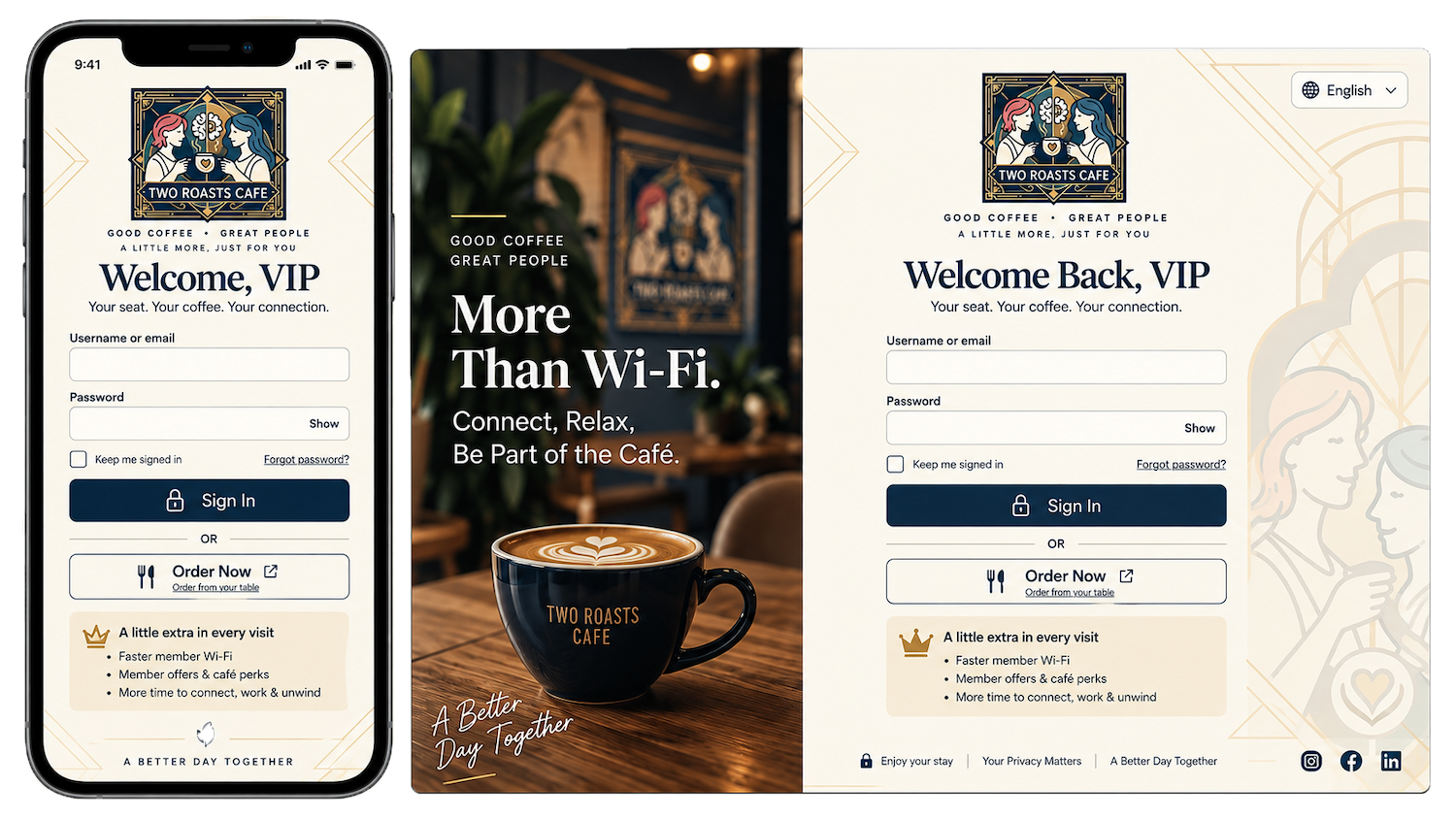
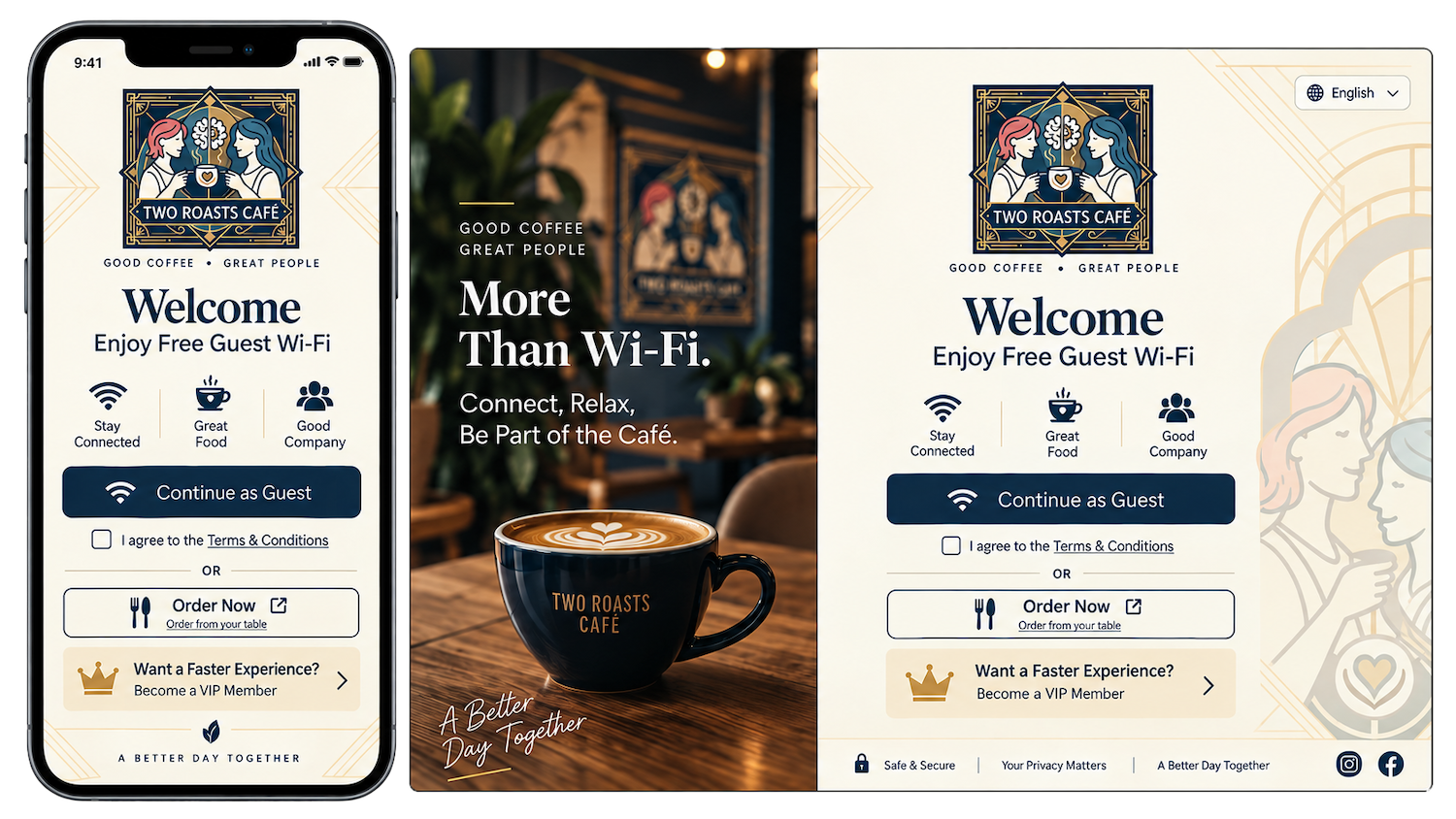
In this episode, Billie and Renee design and generate responsive Guest and VIP splash-page interfaces, including a branded welcome page, terms acceptance, VIP login and an ordering link. Uploading the files to RouterOS and connecting the hotspot profiles is covered in the next episode.
Working with MikroTik and AI as a guided assistant, they shape the guest experience they want their customers to have: a branded welcome page for people joining the Wi-Fi, a clear terms-acceptance step, a separate VIP login design, and an easy ordering link. The same design-first approach applies well beyond a cafe: a clinic, a workshop, a rental property or a retail shop can each define the experience they want and design access, segmentation and the on-network journey to match — before any of it is deployed and tested on the live network.
The images in this article show the designed concepts and generated interface previews from this episode. They illustrate how the Guest and VIP splash pages are intended to look and are not screenshots of live, deployed authentication.
Practical applications by business size
Small businesses often start with reliable Wi-Fi, a clean guest experience and basic segmentation that keeps point-of-sale traffic separate from customer devices. Medium-sized businesses tend to add multiple VLANs, staff and guest separation, and more structured management across one or more sites. Larger businesses layer on tighter segmentation, monitoring and repeatable configurations across locations. MikroTik scales across all of these, and AI tools can help you plan and review configurations — though they support rather than replace sound technical judgment.
Free education, paid implementation
Our educational videos are free: they show how owners apply MikroTik with AI so you can learn at your own pace. When you want hands-on help, setup and troubleshooting are scheduled, paid services tailored to what you are building. Tell us what you have in mind and we will send setup pricing.
You know your customers. Design the WiFi experience around them — with MikroTik, AI and Wireless Netware.
MikroTik-only network engineer and trainer, helping Canadian businesses design, deploy, and understand MikroTik networks since 2002.
Leave a comment
Related Posts
Explore MikroTik’s CLAIRÉ and CLAIRÉ Lite air-quality monitors, KNOT Gateway HL9 and LR8 IoT gateways, and the compact LGO-LTE-W antenna. See the main differences, practical uses and links to each product.

In Episode 4 of Building the Cafe Network - All By Yourself, Billie and Renee configure their MikroTik CRS switch for VLAN 99 management and wired VLAN access ports with help from Claude AI and ChatGPT. This stage shows how small businesses can use AI as a guided assistant and second-check reviewer while keeping the network clean, predictable, and cost-efficient.
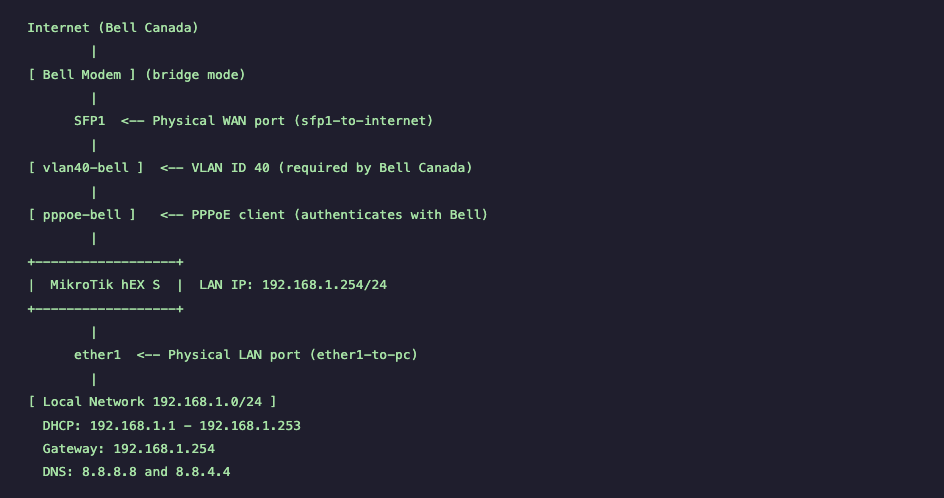
Step-by-step MikroTik hEX S Bell Canada PPPoE setup using VLAN 40 on RouterOS v7. Includes PPPoE configuration, NAT, DHCP, firewall rules, verification commands, and testing procedures for stable Bell Fiber connectivity.
Before updating MikroTik RouterOS, create both a binary backup and an .rsc export to ensure a full recovery path. This guide follows the video timeline and shows what to check before updates, when to update or wait, and how to recover if a backup is corrupted.

RouterOS powers MikroTik hardware, x86 servers, and CHR virtual deployments. This guide explains the key v6-to-v7 changes, how to choose the right architecture/channel/version, and how to upgrade safely with a backup-first workflow. It also highlights common mistakes to avoid, including incorrect package selection, skipped changelog checks, firmware mismatches, and missing wireless packages during manual upgrades.





https://mikrotik.com/aboutus/company
The MikroTik website has been redesigned—and it works very differently than before.
This guide walks you through the new MikroTik website section by section, explaining how to navigate hardware, software, training, distributors, support, and documentation efficiently. It also explains where MikroTik comes from, how RouterOS changed networking, and how MikroTik Canada and Wireless Netware support users across Canada and the US with training, consulting, hardware, and real-world expertise.
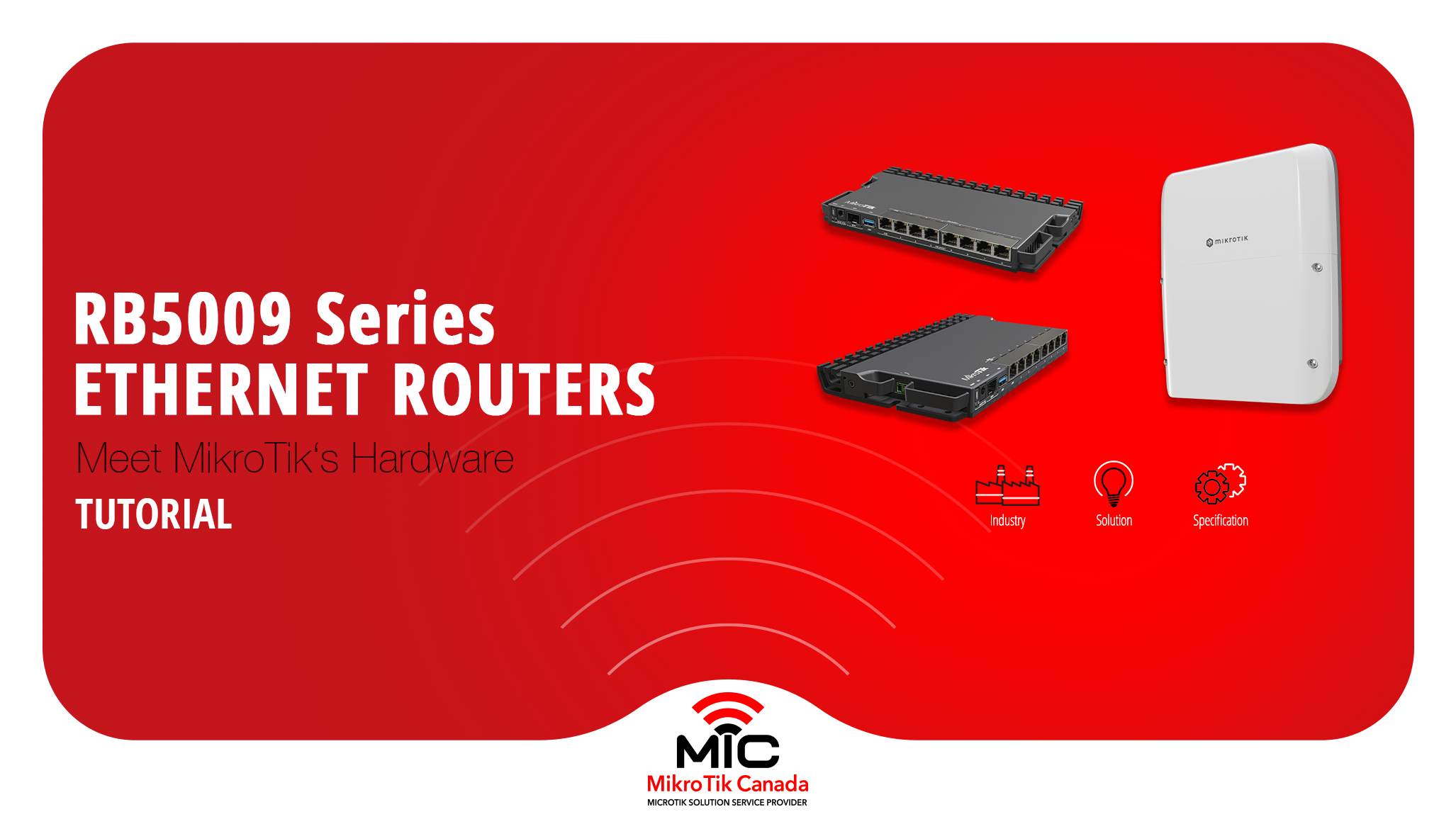
The MikroTik RB5009 series is a compact, fanless routing platform designed for high-performance networks.
With 10G, 2.5G, PoE options, and indoor or outdoor models, it fits studios, offices, ISPs, and field deployments.
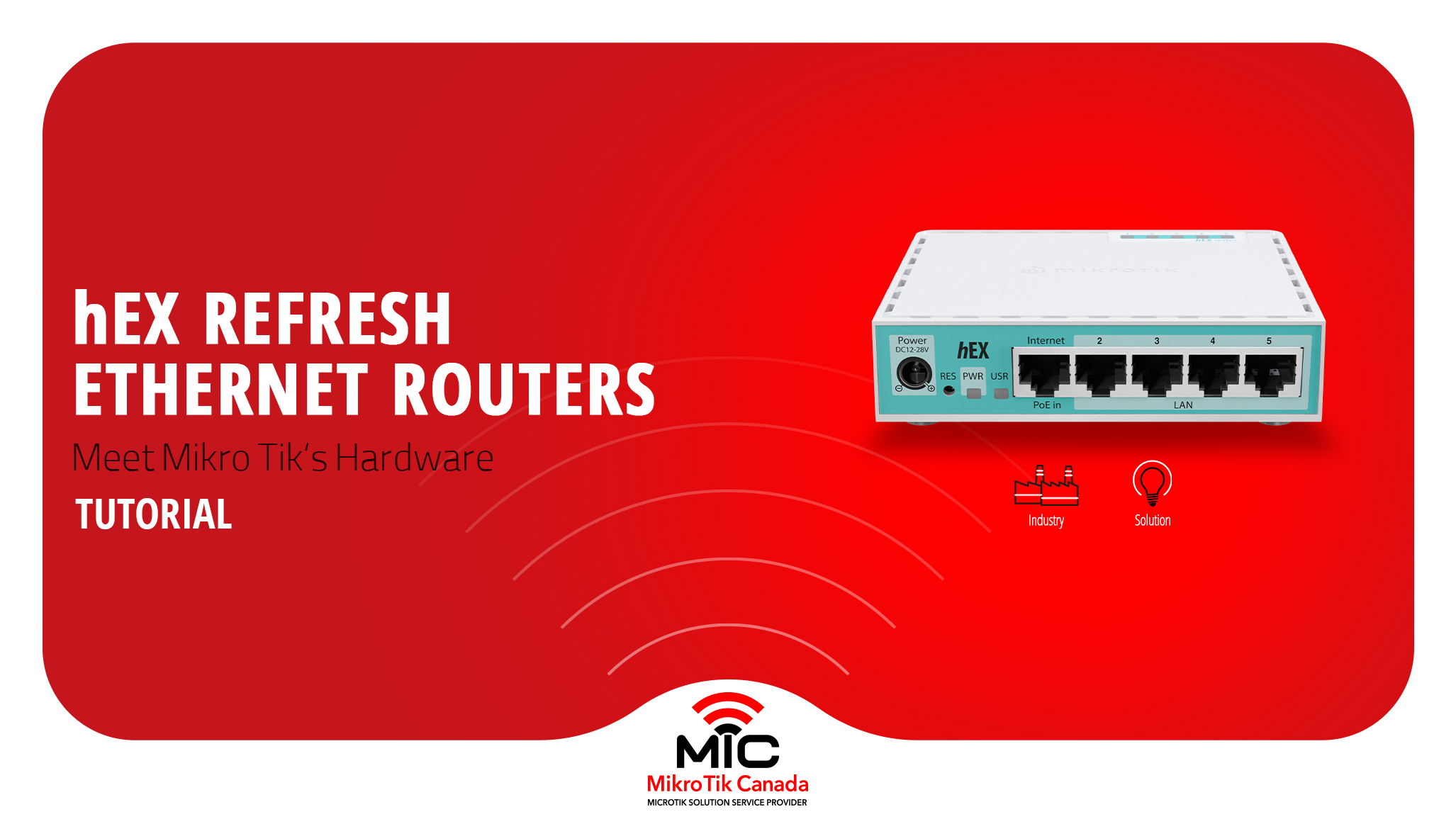
MikroTik refreshed its most popular wired router without changing the price. This post compares the classic hEX (RB750Gr3) with the new hEX Refresh (E50UG), focusing on hardware changes, real performance gains, and which one actually makes sense to deploy today.
-%20Thumbnail.png)
Side-by-side comparison of the legacy MikroTik hEX S and the new hEX S (2025) — CPU, RAM, storage, SFP, PoE, block diagrams, and real test results to help you choose the right router.