








Introduction to MikroTik RouterOS: v6 to v7 Upgrade Tips and Common Mistakes

Table of contents

Introduction to RouterOS: Core Basics, Upgrade Tips, and Mistakes to Avoid
RouterOS is MikroTik's Linux-based operating system used on routers, switches, and cloud deployments. This guide gives a brief, practical overview with a strong focus on safe upgrades, especially when moving from RouterOS v6 to v7.
If video does not load, watch on YouTube: Open video
Overview
- Where RouterOS runs (MikroTik hardware, x86, and CHR virtual/cloud).
- RouterOS vs SwitchOS roles.
- RouterOS v6 to v7 key changes and planning notes.
- How to choose the correct download: Architecture, Channel, Version.
- Safe upgrade workflow, mandatory backups, and common pitfalls.
Where RouterOS Can Run
RouterBOARD/CCR: RouterOS is preinstalled and licensed on MikroTik devices.
x86 Install: RouterOS can run as the main OS on a PC/server (license needed for long-term use).
CHR: RouterOS for virtual machines and cloud platforms (VMware, Proxmox, Hyper-V, KVM, etc.).
RouterOS vs SwitchOS (Quick Difference)
| RouterOS | SwitchOS |
|---|---|
| Advanced routing, firewall, VPN, QoS, hotspot, scripting | Simple Layer 2 switching and management |
| Best for routers and complex network control | Best for straightforward switch setups |
| Higher flexibility, steeper learning curve | Faster to configure, fewer advanced features |
RouterOS v6 to v7: What Changed
- Newer routing stack and improved protocol performance (BGP/OSPF/MPLS).
- Better multi-core CPU usage and modern platform optimization.
- Native WireGuard support and multiple IPv6/VRF improvements.
- Some syntax and behavior changes require upgrade planning and testing.
v7 brings major benefits, but production networks should validate configs in lab first.
Download RouterOS Correctly (3 Choices)
- Architecture: Match exact device model (example: RB760iGS = MMIPS).
- Channel: Long-term, Stable, Testing, or Development based on risk tolerance.
- Version: Read the changelog before selecting. Newest is not always best.
Safe Upgrade Workflow
Mandatory before upgrade:
- Create binary backup in WinBox (
.backup). - Export config in terminal (
export file=NAMEorexport show-sensitive file=NAME). - Download and store both files externally.
Upgrade steps:
- Upload correct
.npkpackage to Files. - Reboot and verify RouterOS version.
- Check System > RouterBOARD firmware and upgrade if needed, then reboot again.
Common Upgrade Mistakes to Avoid
- Upgrading remotely without tested backup and recovery plan.
- Choosing the wrong architecture/package for the device.
- Skipping changelog review and missing breaking changes.
- Using Testing/Development builds in production without validation.
- For wireless devices, forgetting the matching Wi-Fi package during manual updates.
Final Takeaway
Keep upgrades intentional, not automatic: pick the correct files, review changelog impact, back up first, and validate firmware after reboot. This routine prevents most RouterOS upgrade failures.
Related Products
MikroTik Cloud Hosted Router (CHR) P1 License
MikroTik Cloud Hosted Router (CHR) P10 License
MikroTik Cloud Hosted Router (CHR) P-Unlimited License
Basic MikroTik Consulting
Advanced MikroTik Consulting

Advanced MikroTik Consulting for Dynamic Routing
MikroTik-only network engineer and trainer, helping Canadian businesses design, deploy, and understand MikroTik networks since 2002.
Leave a comment
Related Posts


You know your business and customers best. Wireless Netware helps you turn that knowledge into a network you understand and control — using MikroTik, AI tools, practical education and support. Our free videos show how owners apply MikroTik with AI, while hands-on setup and troubleshooting are scheduled, paid services.
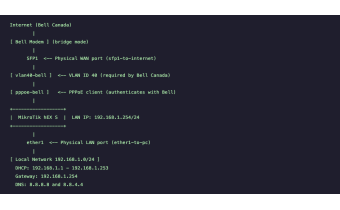
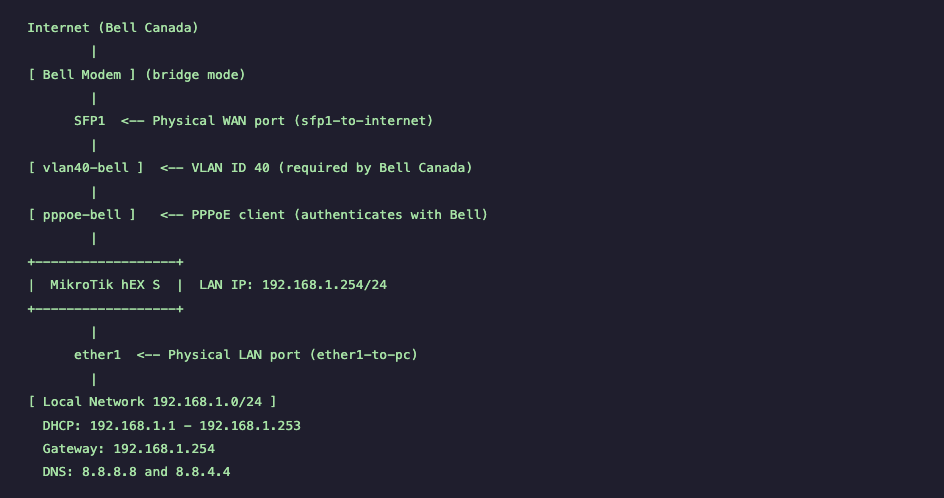
Step-by-step MikroTik hEX S Bell Canada PPPoE setup using VLAN 40 on RouterOS v7. Includes PPPoE configuration, NAT, DHCP, firewall rules, verification commands, and testing procedures for stable Bell Fiber connectivity.
Before updating MikroTik RouterOS, create both a binary backup and an .rsc export to ensure a full recovery path. This guide follows the video timeline and shows what to check before updates, when to update or wait, and how to recover if a backup is corrupted.






https://mikrotik.com/aboutus/company
The MikroTik website has been redesigned—and it works very differently than before.
This guide walks you through the new MikroTik website section by section, explaining how to navigate hardware, software, training, distributors, support, and documentation efficiently. It also explains where MikroTik comes from, how RouterOS changed networking, and how MikroTik Canada and Wireless Netware support users across Canada and the US with training, consulting, hardware, and real-world expertise.
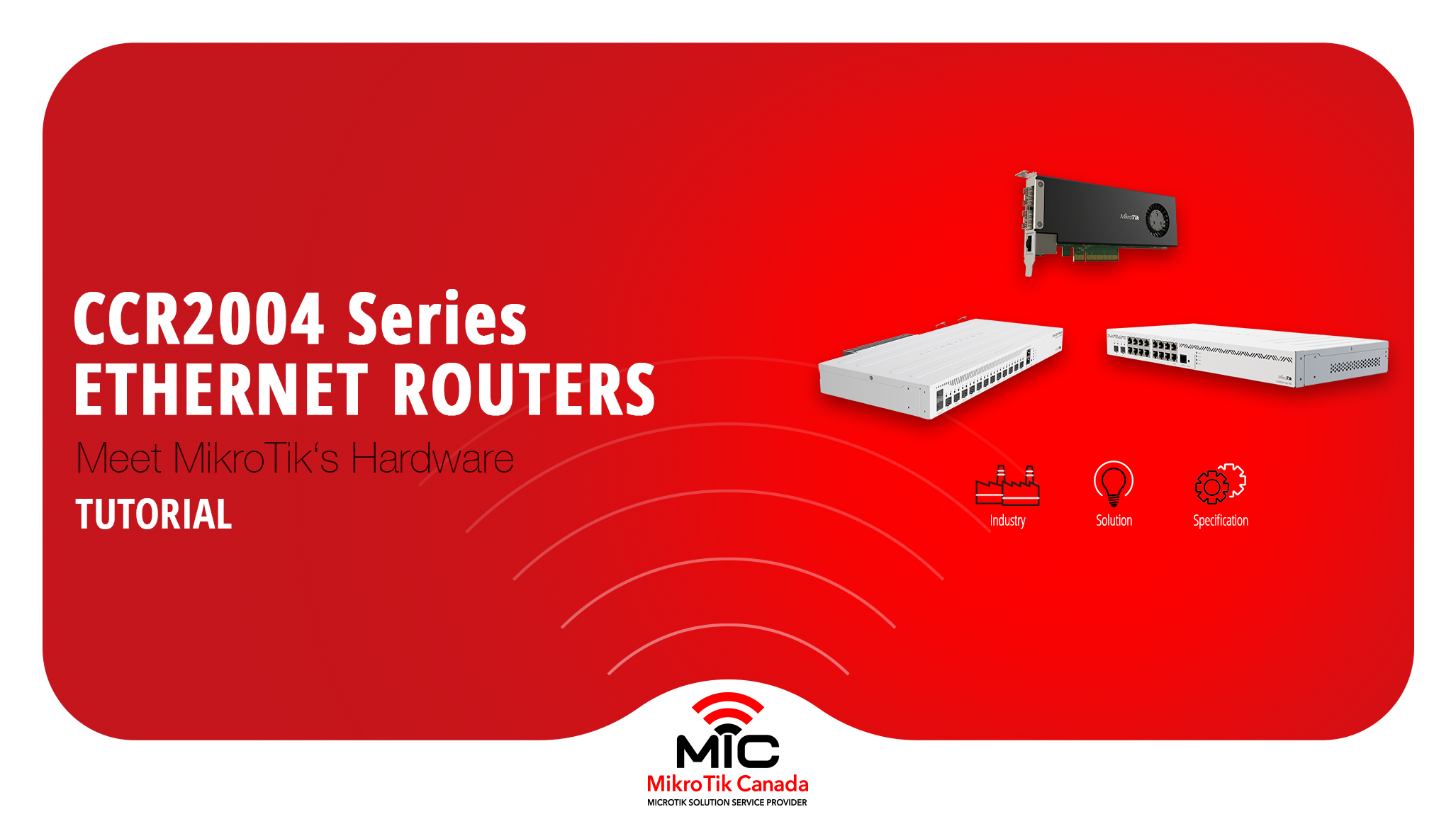
The MikroTik CCR2004 series is powerful, affordable, and widely misunderstood.
In this breakdown, we explain the real architecture, performance limits, and correct use cases for every CCR2004 model — including the PCIe version and passive-cooled variants — so you can choose the right router without guesswork.
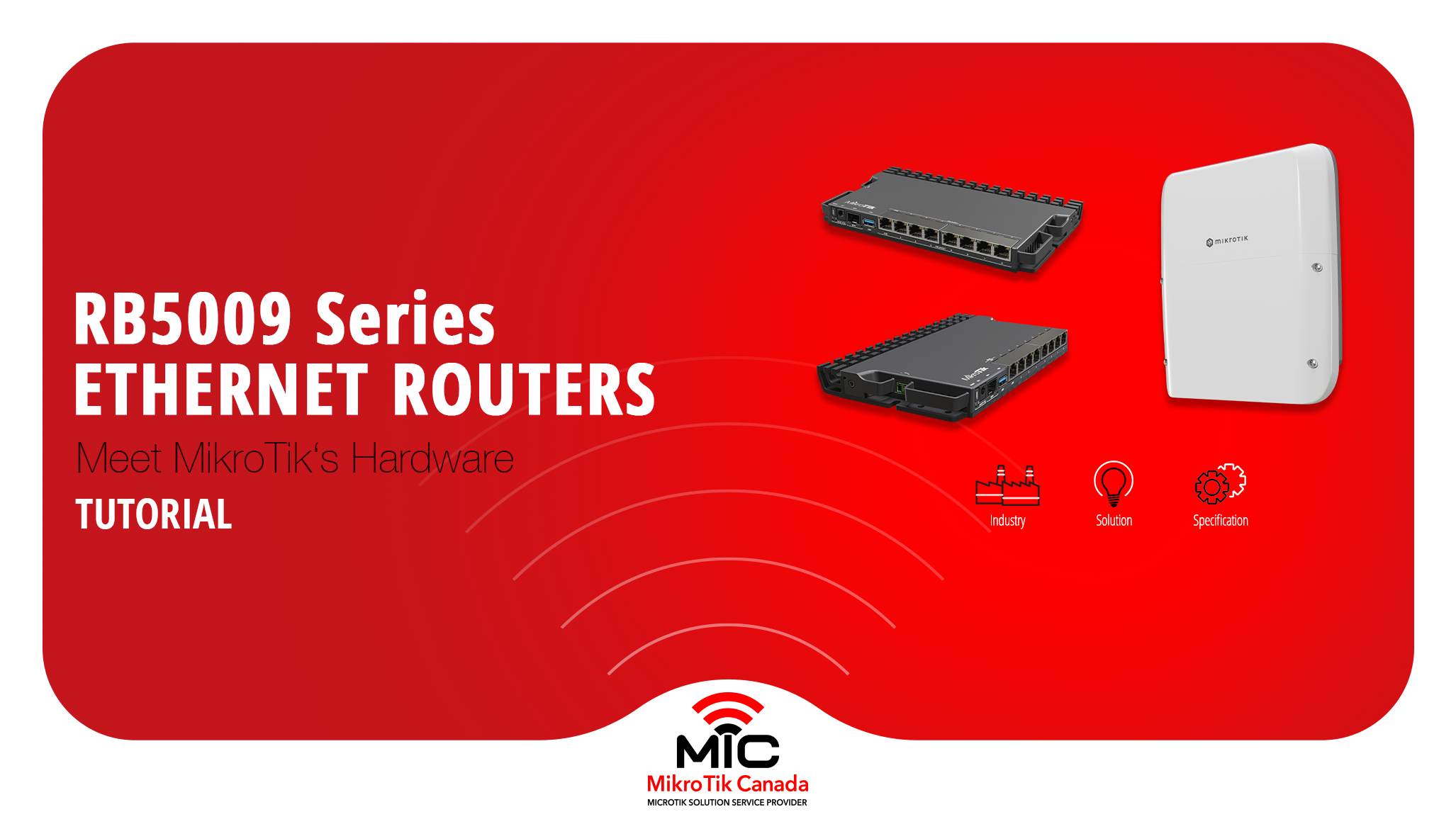
The MikroTik RB5009 series is a compact, fanless routing platform designed for high-performance networks.
With 10G, 2.5G, PoE options, and indoor or outdoor models, it fits studios, offices, ISPs, and field deployments.
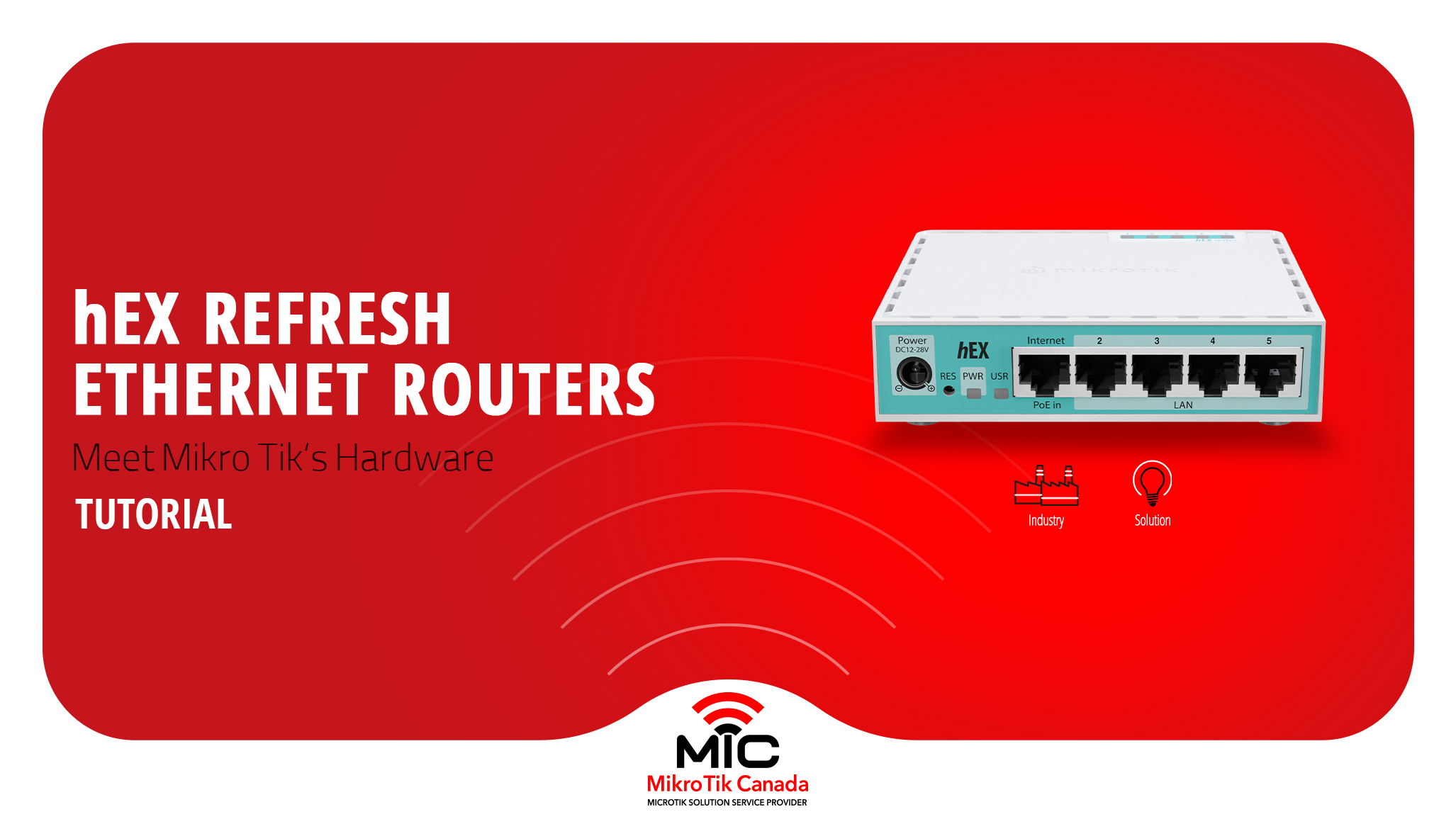
MikroTik refreshed its most popular wired router without changing the price. This post compares the classic hEX (RB750Gr3) with the new hEX Refresh (E50UG), focusing on hardware changes, real performance gains, and which one actually makes sense to deploy today.
-%20Thumbnail.png)
Side-by-side comparison of the legacy MikroTik hEX S and the new hEX S (2025) — CPU, RAM, storage, SFP, PoE, block diagrams, and real test results to help you choose the right router.