





MikroTik RouterOS Update Safety: Backup, RSC Export, and Recovery Plan

Table of contents

MikroTik RouterOS Update Safety: Backup + RSC Recovery
Before upgrading RouterOS, create both a binary backup and an .rsc export so you always have a recovery path.
Quick Time Index
Before Update: What to Check
- Read changelog and confirm a real need (security, bug fix, required feature).
- Confirm device model, architecture, and package compatibility.
- Create and download both files: .backup and .rsc.
- Store backup files off-router in a secure location.
- If remote site: schedule maintenance window and recovery access.
Backup and RSC Commands
Binary backup:
Export readable config:
Import .rsc:
If Backup Is Corrupted
- Use your off-router backup copy first.
- If binary restore fails, reinstall and import your .rsc script.
- Re-add items not in export (certificates, SSH keys, Dude/User Manager data).
- Validate routing, firewall, VPN, and internet access before production use.
When to Update and When Not To
Update when: security fixes apply, critical bugs exist, or required features are included.
Delay when: no clear benefit, remote recovery is hard, or stability feedback is poor.
Long-term tip: avoid staying on the exact same OS forever. Use controlled, planned updates with rollback files ready.
MikroTik-only network engineer and trainer, helping Canadian businesses design, deploy, and understand MikroTik networks since 2002.
Leave a comment
Related Posts

Explore MikroTik’s CLAIRÉ and CLAIRÉ Lite air-quality monitors, KNOT Gateway HL9 and LR8 IoT gateways, and the compact LGO-LTE-W antenna. See the main differences, practical uses and links to each product.


You know your business and customers best. Wireless Netware helps you turn that knowledge into a network you understand and control — using MikroTik, AI tools, practical education and support. Our free videos show how owners apply MikroTik with AI, while hands-on setup and troubleshooting are scheduled, paid services.
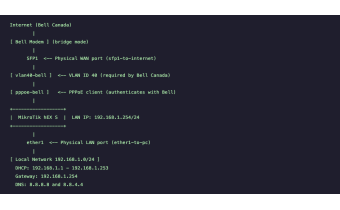
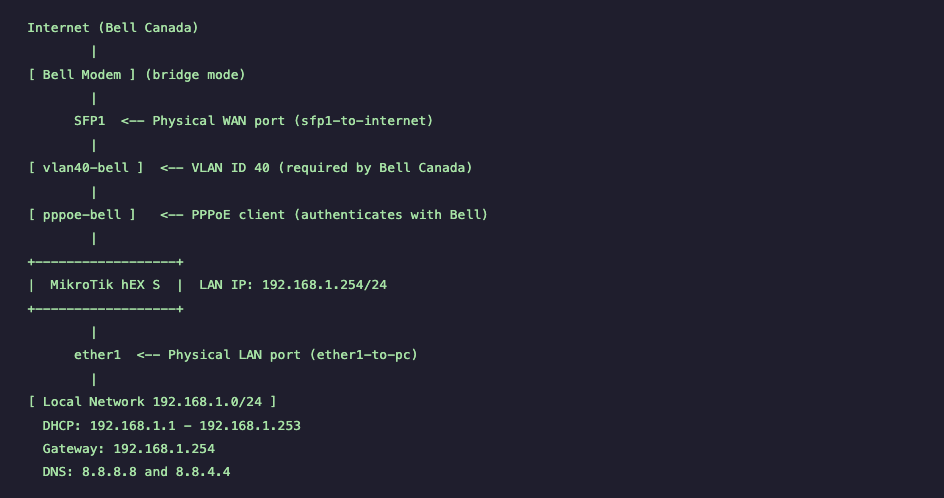
Step-by-step MikroTik hEX S Bell Canada PPPoE setup using VLAN 40 on RouterOS v7. Includes PPPoE configuration, NAT, DHCP, firewall rules, verification commands, and testing procedures for stable Bell Fiber connectivity.

RouterOS powers MikroTik hardware, x86 servers, and CHR virtual deployments. This guide explains the key v6-to-v7 changes, how to choose the right architecture/channel/version, and how to upgrade safely with a backup-first workflow. It also highlights common mistakes to avoid, including incorrect package selection, skipped changelog checks, firmware mismatches, and missing wireless packages during manual upgrades.






https://mikrotik.com/aboutus/company
The MikroTik website has been redesigned—and it works very differently than before.
This guide walks you through the new MikroTik website section by section, explaining how to navigate hardware, software, training, distributors, support, and documentation efficiently. It also explains where MikroTik comes from, how RouterOS changed networking, and how MikroTik Canada and Wireless Netware support users across Canada and the US with training, consulting, hardware, and real-world expertise.
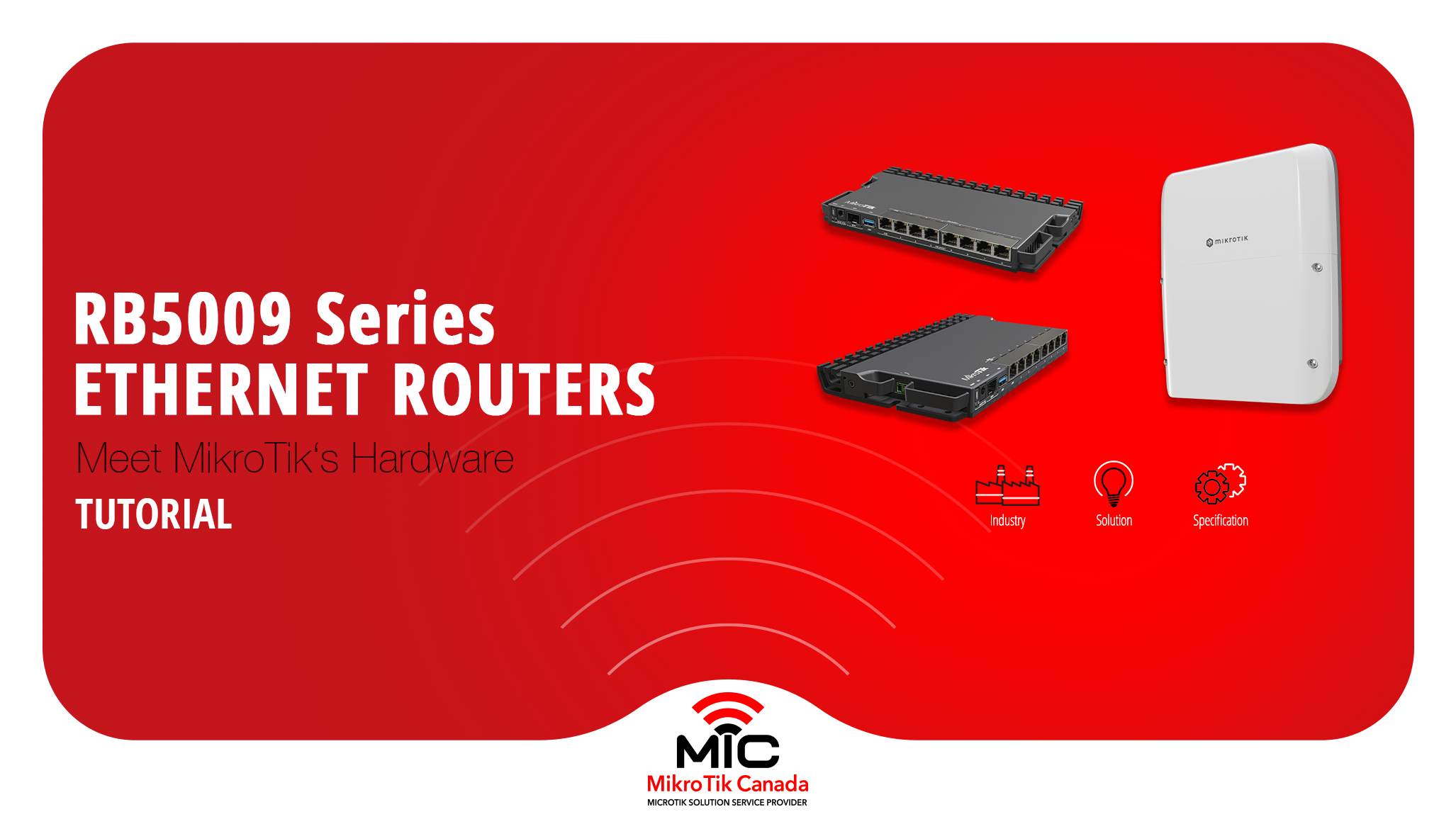
The MikroTik RB5009 series is a compact, fanless routing platform designed for high-performance networks.
With 10G, 2.5G, PoE options, and indoor or outdoor models, it fits studios, offices, ISPs, and field deployments.
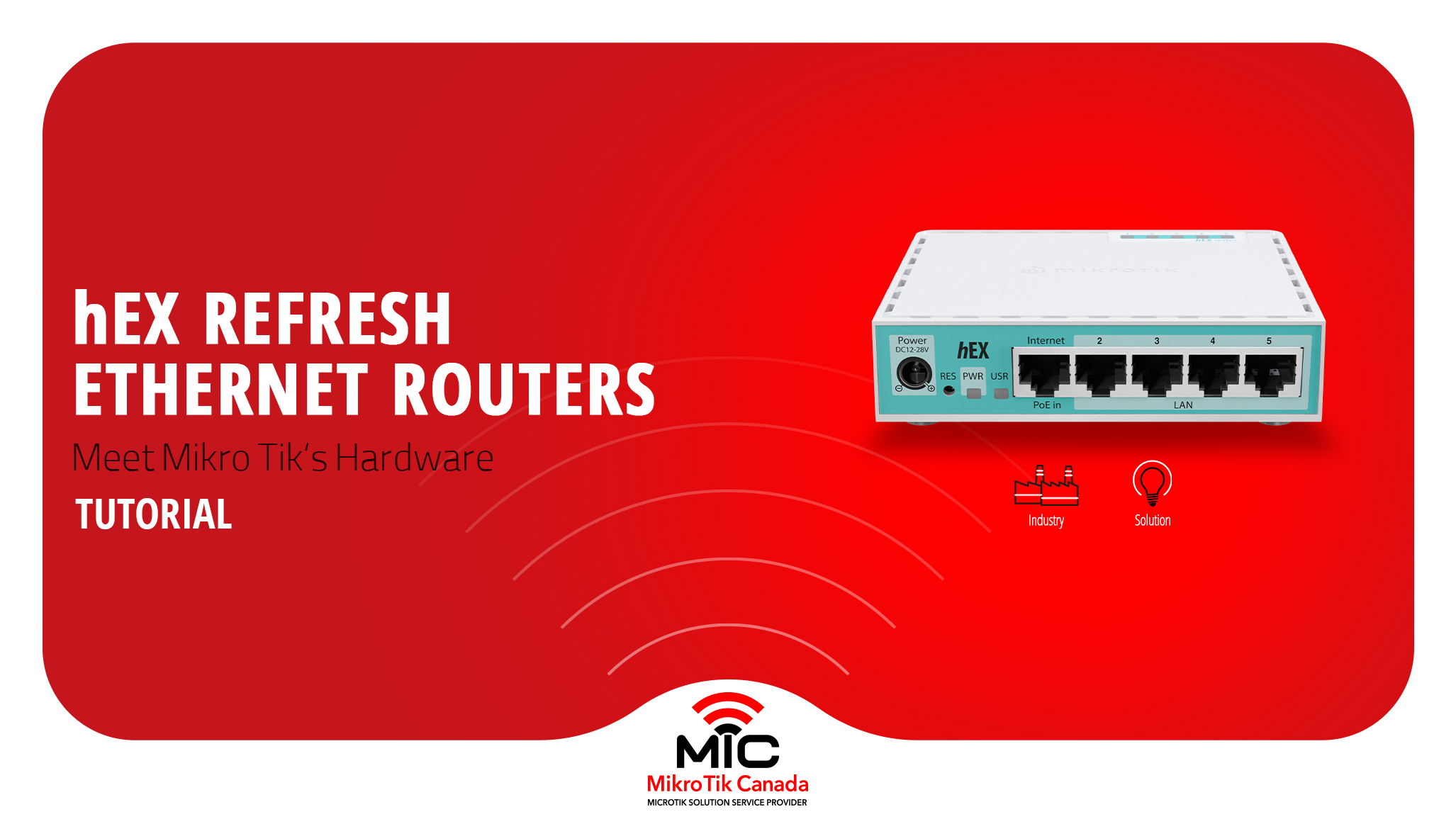
MikroTik refreshed its most popular wired router without changing the price. This post compares the classic hEX (RB750Gr3) with the new hEX Refresh (E50UG), focusing on hardware changes, real performance gains, and which one actually makes sense to deploy today.
-%20Thumbnail.png)
Side-by-side comparison of the legacy MikroTik hEX S and the new hEX S (2025) — CPU, RAM, storage, SFP, PoE, block diagrams, and real test results to help you choose the right router.