





CCR2004 Series Explained – Architecture, Performance, and Real Use Cases

Table of contents

CCR2004 Series – Clearing the Confusion
The MikroTik CCR2004 series looks simple on paper, but in real deployments it causes more confusion than almost any other router in its class. Switching expectations, routing performance myths, PCIe behavior, cooling choices, and unrealistic throughput assumptions are the root of most “weird results.”
In this breakdown, we explain what each CCR2004 model is actually built for, how the internal architecture works, and how to choose the right version based on your traffic profile, environment, and service provider.
CCR2004 Models – What Each One Is Really For
CCR2004-1G-12S+2XS
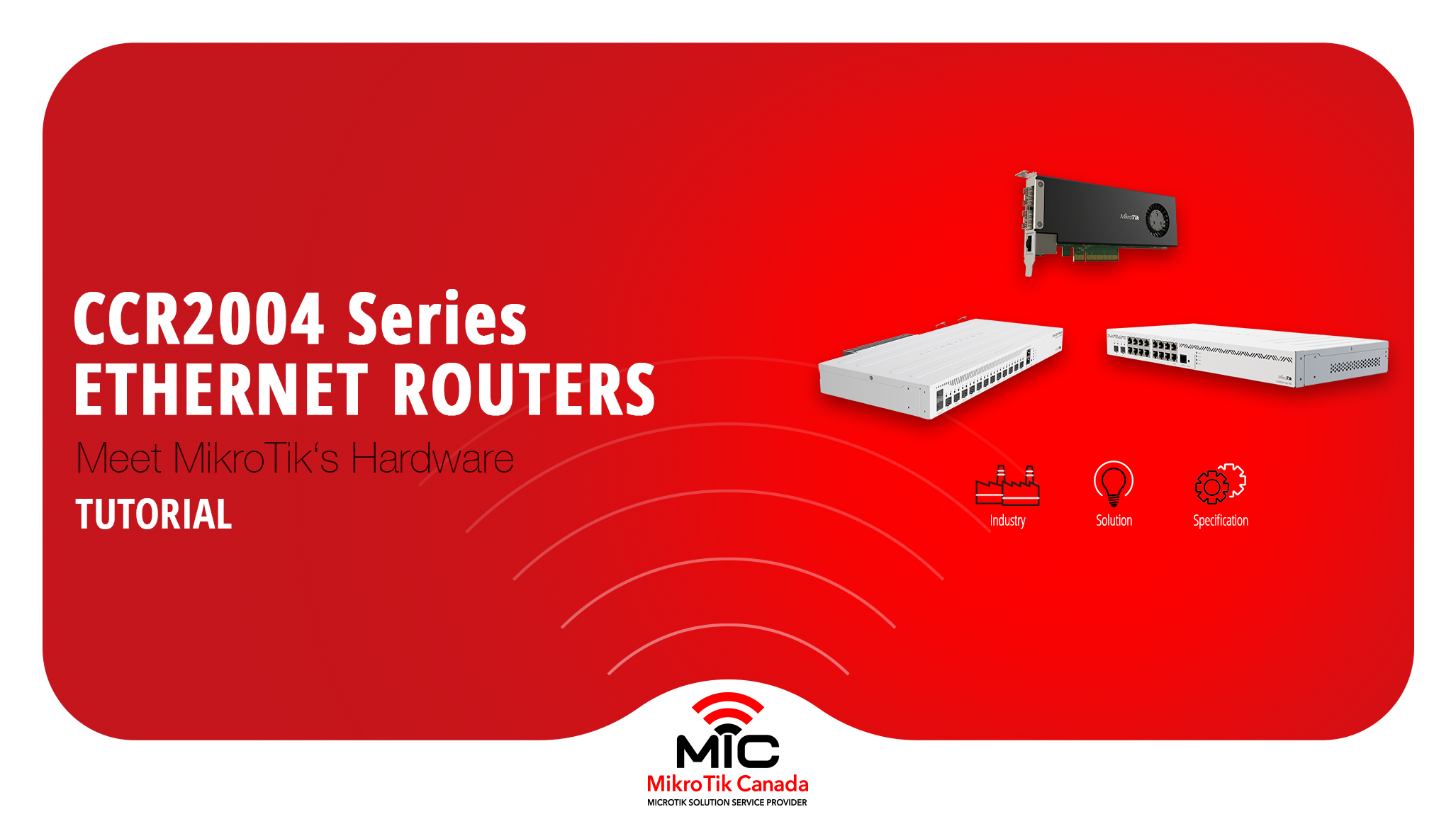
Built for high-speed aggregation. All SFP+ and SFP28 ports feed into a port expander and then into the CPU. Ideal for fiber-heavy environments where routing and policy matter more than L2 switching.
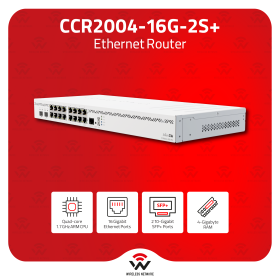
CCR2004-16G-2S+
Designed around switch chips. Local LAN traffic stays in hardware, while routed traffic goes to the CPU. Best choice when you have many 1G endpoints and want predictable L2 behavior.
CCR2004-16G-2S+ PC (Passive Cooling)
Same hardware and performance as the standard 16G model, but with massive passive cooling and a single PSU. Ideal for dusty cabinets, outdoor enclosures, or 100% silent environments where fan failure is a risk.
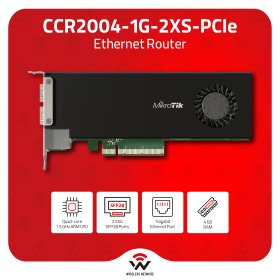
CCR2004-1G-2XS-PCIe
A RouterOS router on a PCIe card. Routing and policy live inside the server, close to workloads. Powerful, but requires careful planning around reboots, firmware upgrades, and out-of-band access.
Supported Solutions
Industries Using CCR2004
Where to Buy CCR2004
Browse all CCR2004 models or jump directly to a specific version.
CCR2004-1G-12S+2XS | CCR2004-16G-2S+ | CCR2004-16G-2S+ PC | CCR2004-1G-2XS-PCIe
Common Questions Answered
Is CCR2004 a switch?
No. Some models include switch chips, but CCR2004 is a router first.
Why do performance numbers vary so much?
Packet size, routing vs bridging, firewall rules, and traffic shape all matter.
Is the PCIe model reliable?
Yes, but it has two independent operating systems (host + RouterOS), which requires careful upgrade and OOB planning.
Which model should I choose?
Choose based on port layout, traffic type, environment, and cooling needs—not marketing numbers.
Related Products
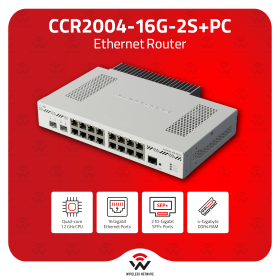
MikroTik CCR2004-16G-2S+PC Passive 16-Port Router L6

MikroTik CCR2004-1G-12S+2XS 12×SFP+ 2×25G Router
MikroTik CCR2004-16G-2S+ Quad-Core 10G RouterOS L6
MikroTik CCR2004-1G-2XS-PCIe 25G RouterOS PCIe Router Card
MikroTik-only network engineer and trainer, helping Canadian businesses design, deploy, and understand MikroTik networks since 2002.
Leave a comment
Related Posts


RouterOS powers MikroTik hardware, x86 servers, and CHR virtual deployments. This guide explains the key v6-to-v7 changes, how to choose the right architecture/channel/version, and how to upgrade safely with a backup-first workflow. It also highlights common mistakes to avoid, including incorrect package selection, skipped changelog checks, firmware mismatches, and missing wireless packages during manual upgrades.
MikroTik refreshed its most popular wired router without changing the price. This post compares the classic hEX (RB750Gr3) with the new hEX Refresh (E50UG), focusing on hardware changes, real performance gains, and which one actually makes sense to deploy today.