




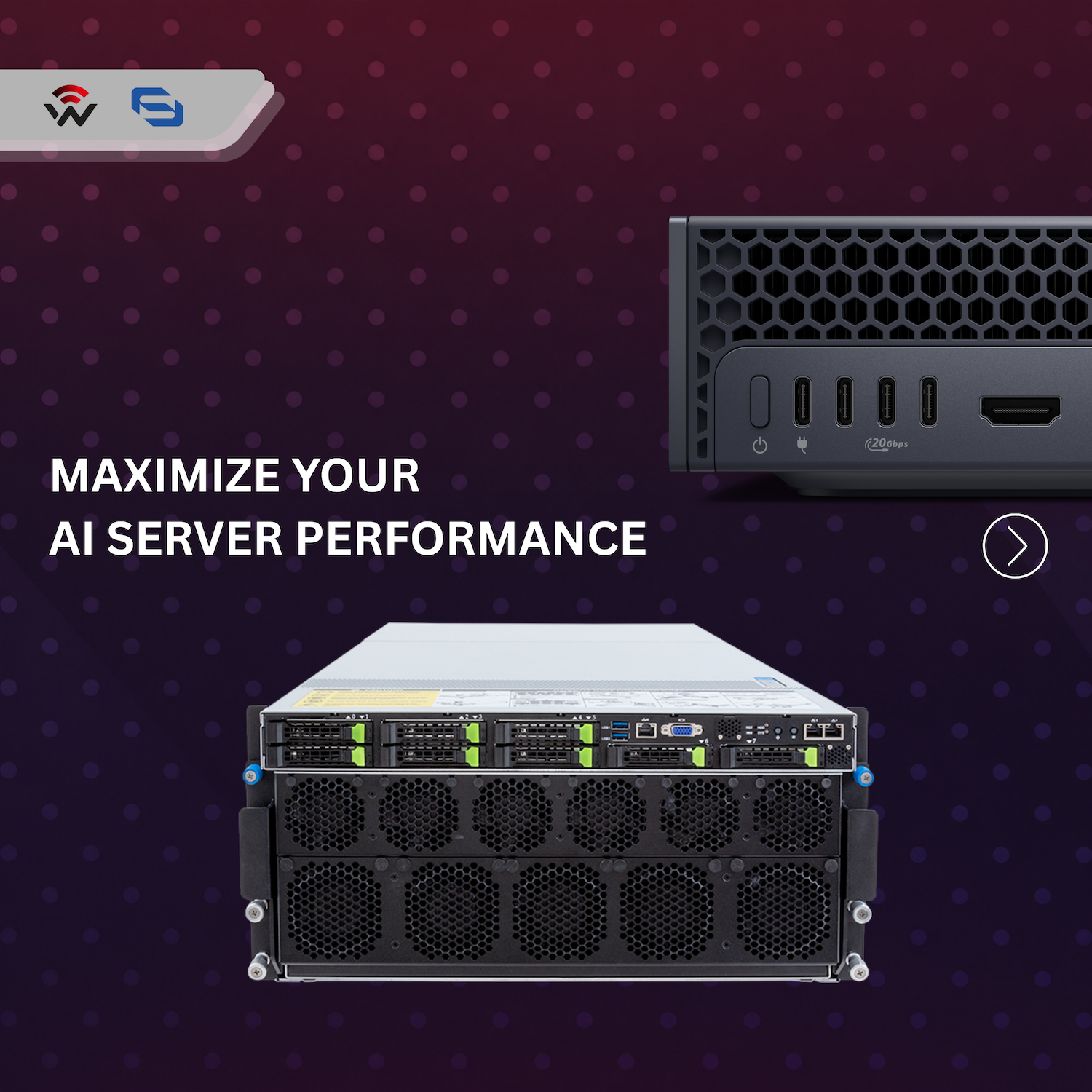
Maximize Your AI Server Performance

Table of contents

The connection sets the ceiling
When an AI server underperforms, attention usually goes to the compute side: GPUs, memory and storage. But every workload that moves data between servers, switches and storage also depends on the network link. If that connection cannot keep up, it becomes the ceiling for everything behind it.
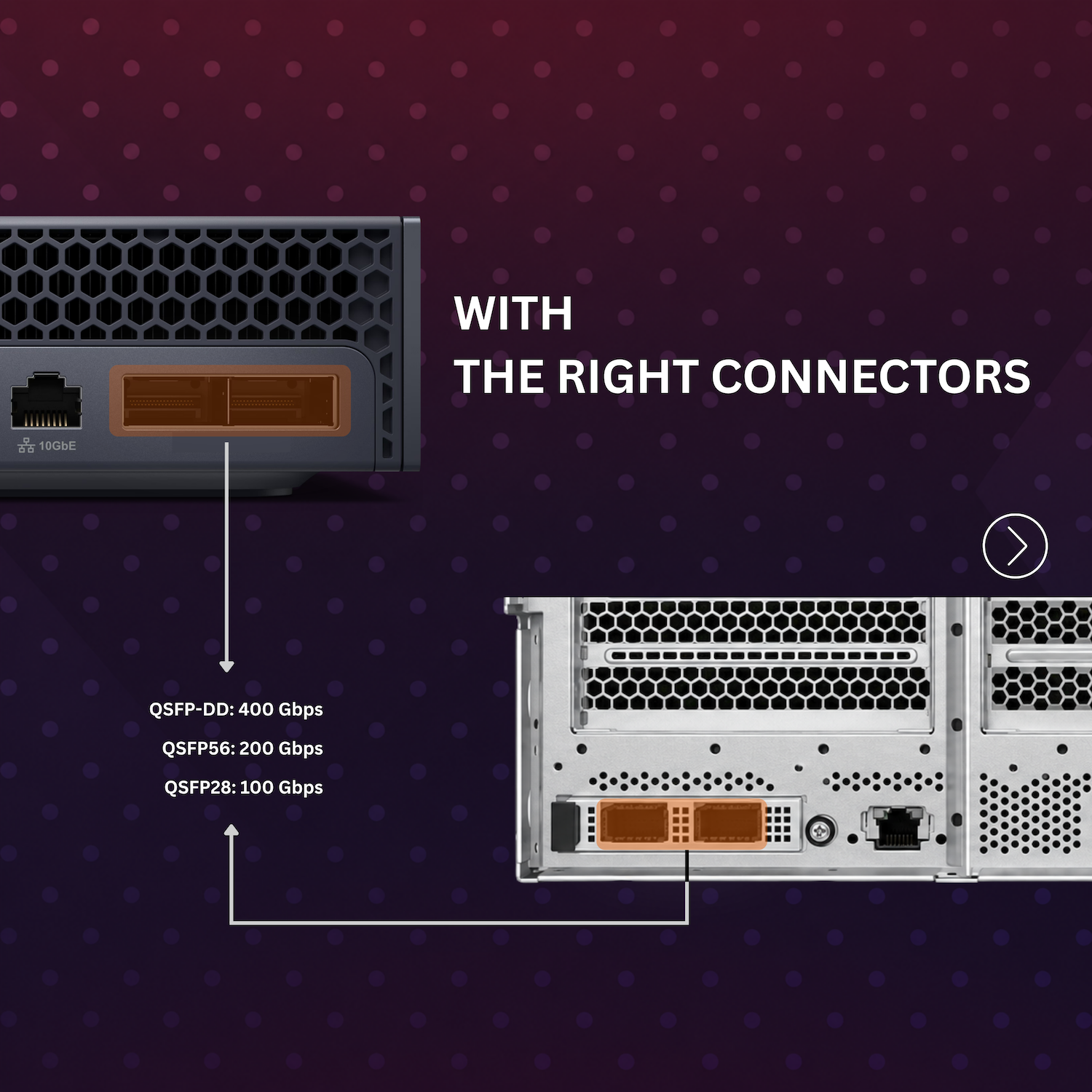
The server itself tells you where that ceiling is. The connector on the back of the server, or on its network interface card, identifies the link class the port supports. Once you know the port type, choosing a cable comes down to matching two things: the speed you need and the way you want to connect your devices.
This guide covers the three connector types you are most likely to see, the DAC cable that fits each common setup, and what to confirm with your hardware vendors before you place an order.
Know the connector and speed
Three connector types cover the most common high-speed AI server ports:
| Connector | Maximum speed |
|---|---|
| QSFP-DD | 400 Gbps |
| QSFP56 | 200 Gbps |
| QSFP28 | 100 Gbps |
Check the port type on the devices at both ends of the link before you select a cable. The connector sets the upper limit, and the cable has to match it.
Match the cable to the required topology
Knowing the port speed is only half the answer. The cable also has to match your topology, meaning how many devices you are connecting and at what speed. Direct attach copper (DAC) cables are commonly used for short connections between servers and switches. The three examples below cover typical setups.
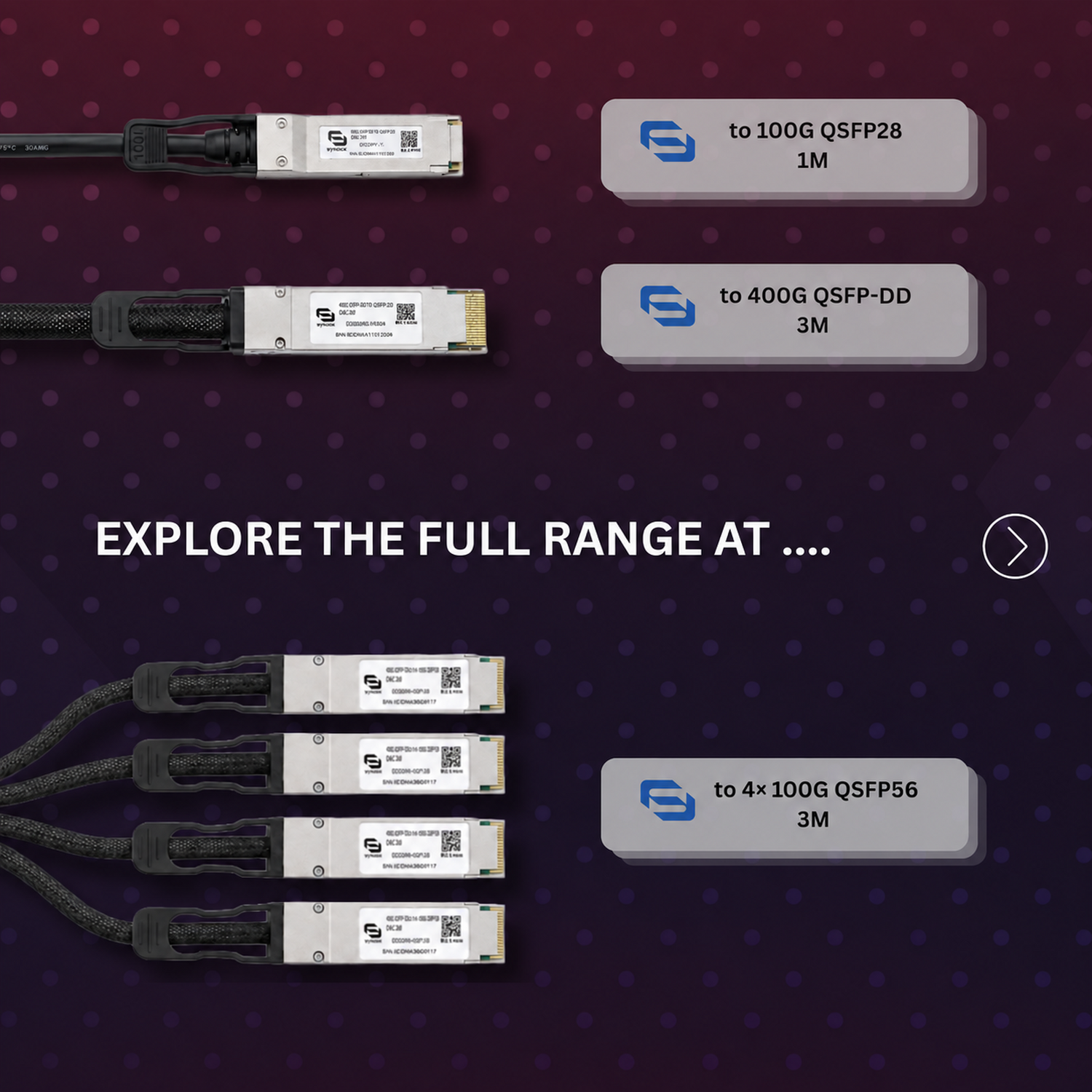
100G QSFP28 DAC (1 m): direct 100G link
For a straight 100G connection between two QSFP28 ports, a 100G QSFP28 DAC does the job. The 1 m length suits short runs, such as a server connected to a switch in the same rack.
400G QSFP-DD DAC (3 m): direct 400G-to-400G link
For a 400G backbone or a direct connection between two QSFP-DD ports, a 400G QSFP-DD DAC is built for exactly that purpose. Synoxx offers its 400G QSFP-DD DAC cables as AI-compatible connectivity for high-speed server and switch links.
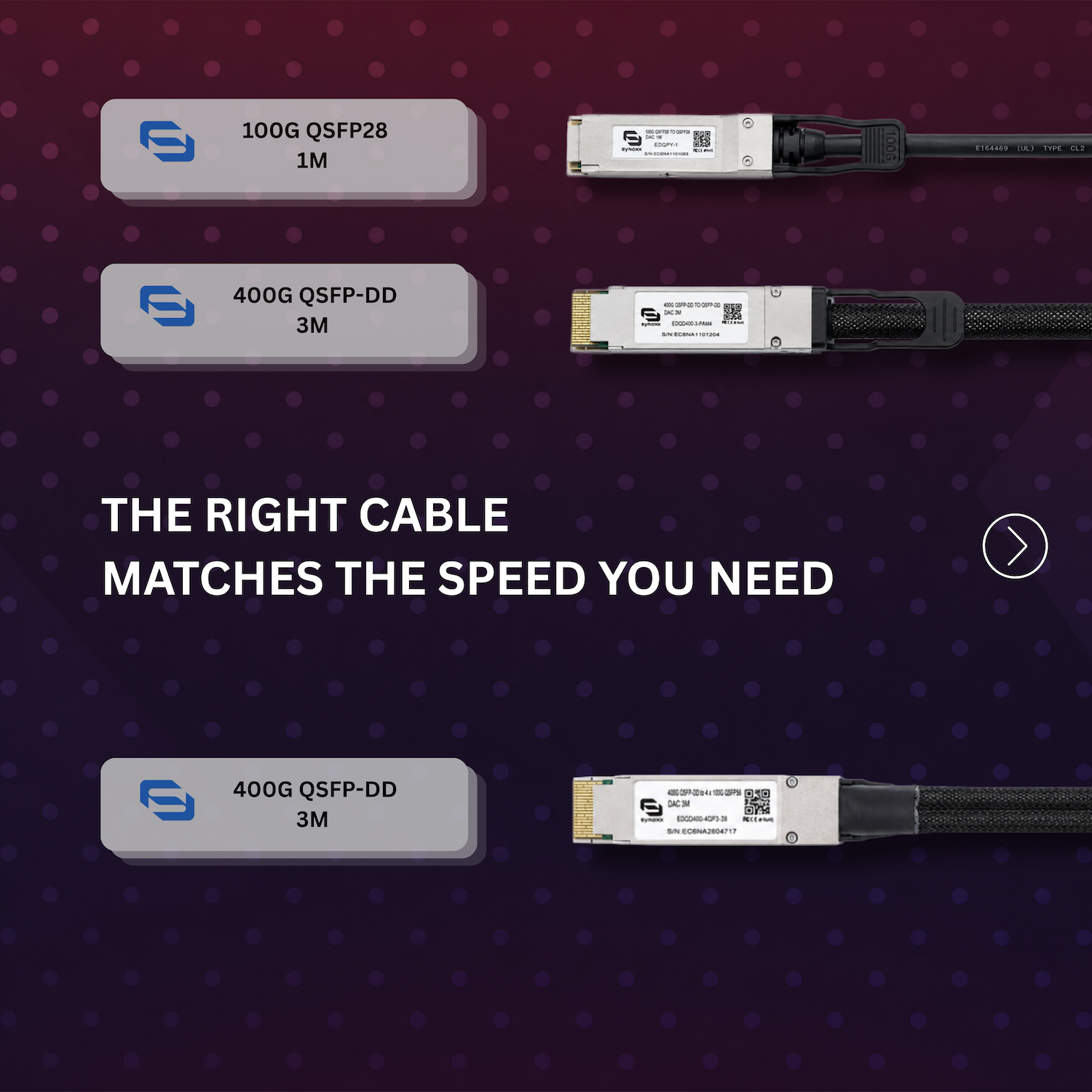
400G QSFP-DD to 4×100G QSFP56 breakout (3 m)
When a single 400G port needs to serve several lower-speed devices, a breakout cable splits it. A 400G QSFP-DD to 4×100G QSFP56 breakout cable turns one high-speed uplink into four independent 100G connections, without using extra switch ports.
Direct link versus breakout
The choice between a direct cable and a breakout cable depends on two questions: what port speed does each device support, and how many devices need to connect to a single port?
- Use a direct DAC when both ends use the same connector and speed, such as QSFP28 to QSFP28 at 100G or QSFP-DD to QSFP-DD at 400G.
- Use a breakout DAC when one high-speed port needs to fan out to several devices, such as one 400G QSFP-DD port feeding four 100G QSFP56 connections.
Matching connector types does not guarantee that two devices will work together. Before ordering, confirm that:
- the server, NIC and switch all support the intended link speed;
- the port can be configured for the required mode, including breakout mode where applicable;
- each equipment vendor supports the cable type you plan to use.
Checking these details up front helps you avoid one of the most common, and most expensive, mistakes in AI infrastructure deployment: buying cables that do not fit the hardware or the topology.
Related option: 400G to 2x200G breakout
If your topology calls for splitting a 400G port into two 200G connections instead of four 100G connections, we covered that option in a separate article: SYNOXX 400G QSFP-DD to 2x200G QSFP56 PAM4 breakout cable. It explains the 2x200G option in more depth.
Explore the full range
Once you know your port types and topology, you can find the matching cable or transceiver in the Synoxx catalog:
- 400G QSFP-DD DAC cables (AI-compatible)
- Full Synoxx DAC cable range
- Synoxx optical transceivers
- All Synoxx products
Powered by Wireless Netware.
Ready to build your connection? Review the featured cables below to check current pricing and availability, view complete specifications, or add the required products directly to your cart. Confirm server, NIC, switch, port-mode, and vendor compatibility before ordering.
Related Products
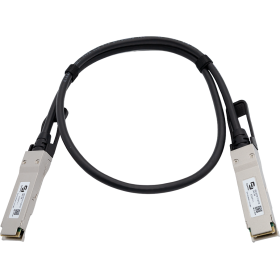
SYNOXX 100G QSFP28 DAC Cable EDQPY-1 QSFP28 1m
cable delivering 100Gbps data transfers over a 1-metre twinax connection using a
4×25G lane architecture — the ideal same-rack interconnect for 100G spine-leaf
switching environments. Compliant with SFF-8636 and IEEE 802.3bj, featuring a
two-wire I2C interface for monitoring and control, low crosstalk, and power
consumption under 1.5W per end. Hot-pluggable, RoHS compliant, and IC Certified.
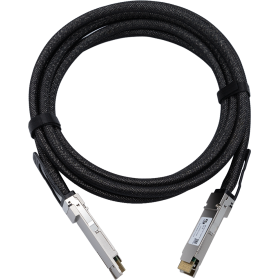
SYNOXX 400G QSFP-DD DAC Cable EDQD400-3-PAM4 QSFP-DD 3m
copper (DAC) cable delivering 400Gbps via 8×50G PAM4 lanes over a 3-metre passive
twinax connection — purpose-built for adjacent-rack 400G deployments where 1-metre
cables cannot bridge the distance, including cross-rack spine-to-leaf 400G links,
InfiniBand HDR GPU cluster connections spanning neighbouring racks, and 400G
AI/ML fabric interconnects requiring passive copper economics beyond the same-rack
reach class. Compliant with IEEE 802.3cd and InfiniBand HDR standards, featuring
a QSFP-DD interface, I2C management for cable identification, low insertion loss,
and low crosstalk across the full 3m run. Hot-pluggable, RoHS compliant, and
IC Certified.
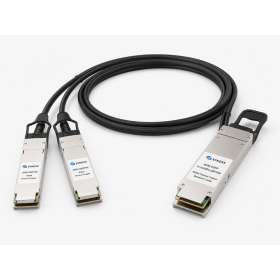
SYNOXX 400G QSFP-DD 400G PAM4 to 2x200G QSFP56 200G PAM4 Passive Copper Breakout Cable 3M
The SYNOXX EDQD400-2QPx is a high-speed 400G QSFP-DD to 2x200G QSFP56 Direct Attach Copper breakout cable designed for short-distance, high-bandwidth network connections. It supports 400Gbps aggregate data rate using PAM4 signaling, making it suitable for data centers, high-performance computing, storage networks, telecom, and switch-to-switch interconnections.
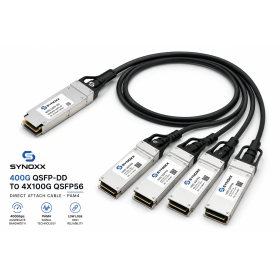
SYNOXX 400G QSFP-DD to 4x100G QSFP56 PAM4 Passive Copper Breakout Cable 3M
MikroTik-only network engineer and trainer, helping Canadian businesses design, deploy, and understand MikroTik networks since 2002.